
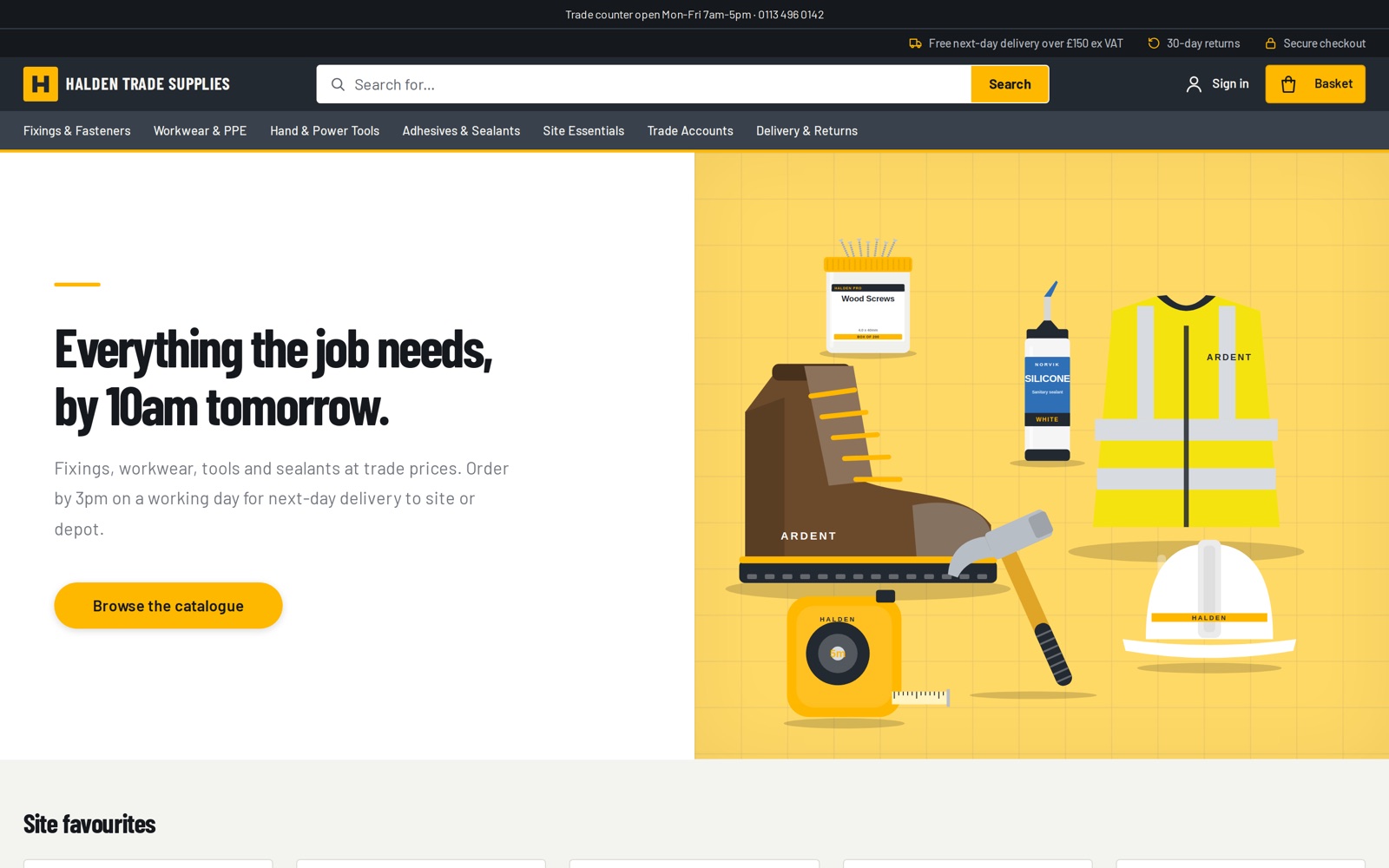
Finding
Search that copes with how people type
Shoppers misspell things, use their own words, and search from inside a category. Search handles all three.
Forgiving search
Spelling slips and plurals are taken in their stride: “drils” finds drills and “boot” finds boots. Results keep up with your prices and stock.
Synonyms, suggested by AI
Tell search that “hi-vis” means “high visibility”. AI proposes synonyms from the searches that found nothing, and you approve each one before it goes live.
Search by meaning
Shoppers can search the way they talk. “Footwear” finds safety boots, even though neither word appears in the product names.
Autocomplete
Suggestions for products, categories and pages appear as people type, so they reach the right page in a keystroke or two.
Search within a category
A search box on category pages and a scope picker in the header, so a search for “screws” can stay inside Fixings.
Articles as well as products
Your guides, news and help pages appear in results beside products, so a search for “returns” finds the answer.
Filtering
Filters that fit the results
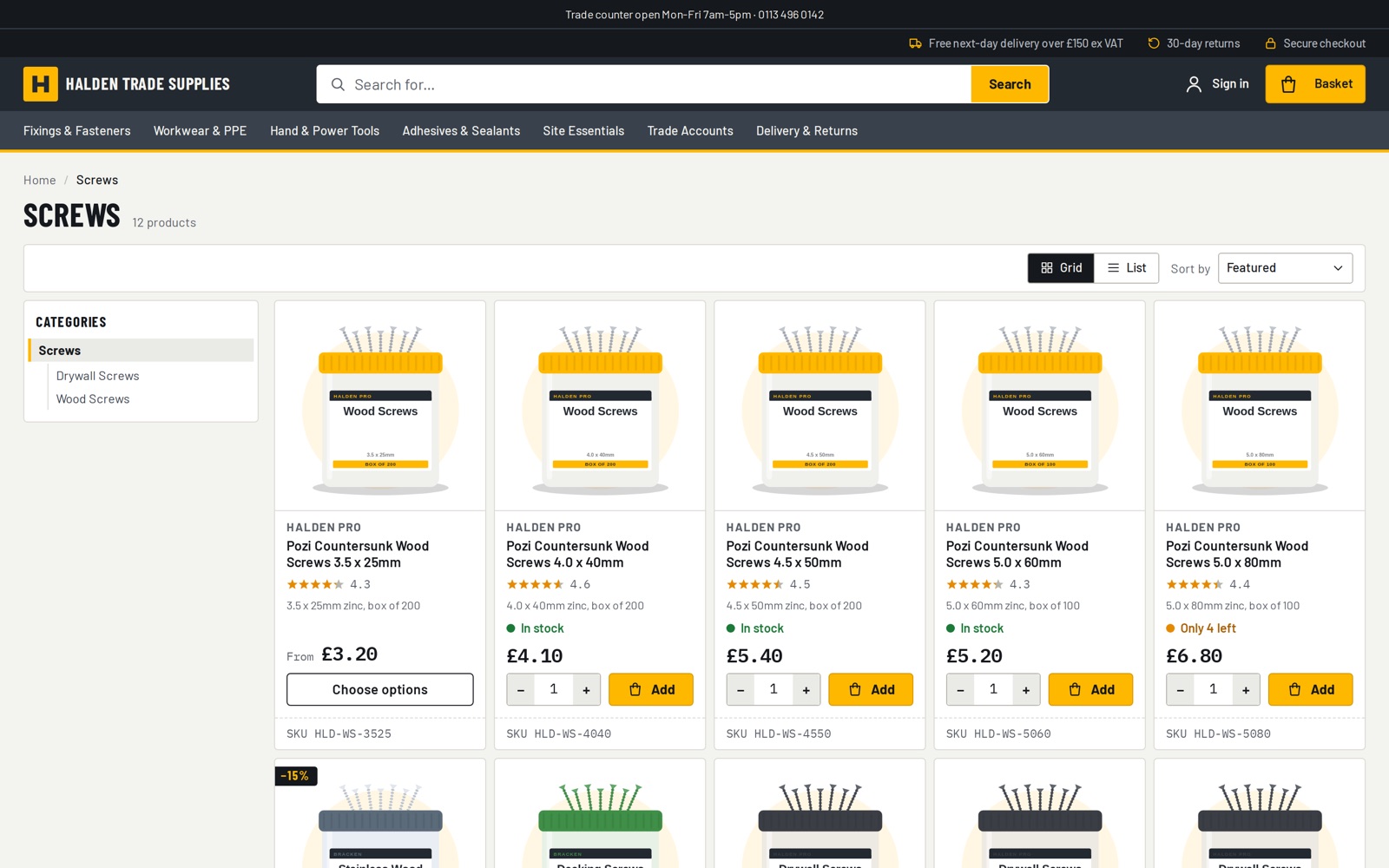
The filter rail is built from your product taxonomy and chosen for each set of results, not fixed per page.
An attribute shows only when enough of the results have it, so a search for screws offers drive, length and head type.
Colours appear as swatches. Sizes and lengths become number ranges with a slider.
Filters for price, star rating and stock, with the In stock filter reading real stock levels.
Size and colour follow the variants: black and size 9 means a black size 9 that is in stock.
Counts stay honest. Choose one length and the other lengths still show, with their counts.
On phones, a quick-filter bar sits above the results, and the filter panel applies choices together and says how many products you will get.
Works the same in all six storefront themes.
Merchandising
You decide what comes first
Listings order themselves by relevance, stock and sales. When you have a view, you can override that per category or per search.
Pin, boost and bury
For each category and each search term: pinned products first in your order, boosted ones next, buried ones last. A shopper who picks their own sort gets exactly that.
Redirects and banners
Send a search for “returns” straight to your returns page, or show a message above the results for a term.
Stock and sales ranking
In-stock products come before sold-out ones, then best sellers. You can set how much a match in the name, search terms or description counts.
Merchandising trees
Mix hand-picked collections, taxonomy-driven categories and saved searches in one browsable tree, with product counts on every category.
Brand and colour landing pages
Set a rule on a category and a page is generated for each brand or colour with enough products, with its own heading, intro and meta description.
Taxonomy engine
Define attributes once per category level. Products inherit them, a completeness score shows what’s missing, and the taxonomy is edited in the admin.
Insight and SEO
See what people search for, and keep listings tidy for search engines
Search terms show you what to stock, rename or fix. Listing pages are set up so search engines see one clean page per category.
Search analytics
Top searches and the ones that found nothing, kept for 90 days. No personal data is stored.
Click-through and conversion
For each search term: how often it led to a product view, an add to basket and an order, and the revenue that followed.
Explain a search
Ask why a product does or doesn’t appear for a search, and see which synonyms were applied.
One page per category in Google
Filtered and sorted views point search engines back to the category itself, so its ranking isn’t split across near-identical pages.
Brand pages that can rank
Every category is listed for search engines, and brand landing pages such as “DeWalt power tools” can rank in their own right.
Search that stays up
Improvements to search are rolled out behind the scenes, without taking search offline for your shoppers.
With your AI assistant
Tune search by conversation
Through the shop’s MCP connection, an assistant such as Claude can review and add synonyms, explain a search, and set pins and boosts. It works under the same rules as the admin.
How AI works on Badger CommerceWhat comes with each edition
Lite
Enterprise
Search
Fast keyword search
Keyword search plus autocomplete and suggestions
Navigation
Collections and menus
Plus filters on any attribute
Collections
Curated by hand
Hand-curated or driven by taxonomy and saved searches
Taxonomy
Not included
Full taxonomy engine with completeness scores
Search analytics
Included
Included
Article search
Pages and blog posts (opt in)
Pages and blog posts (opt in)
See it working, then decide
Try a demo shop, start a 14-day Lite trial, or talk to us about a larger project.